Bring the inspiration.
Start with a reference image and describe the piece you have in mind. Give your idea a place to take shape.
REFERENCE → FORMIMAGINATION, MEET PRECISION
The piece in your imagination.
Now a form you can work with.
Turn jewellery references into editable CAD. Explore every angle, make the details your own, and keep your craft at the centre.
A little of the atelier. No sign-in needed to explore.
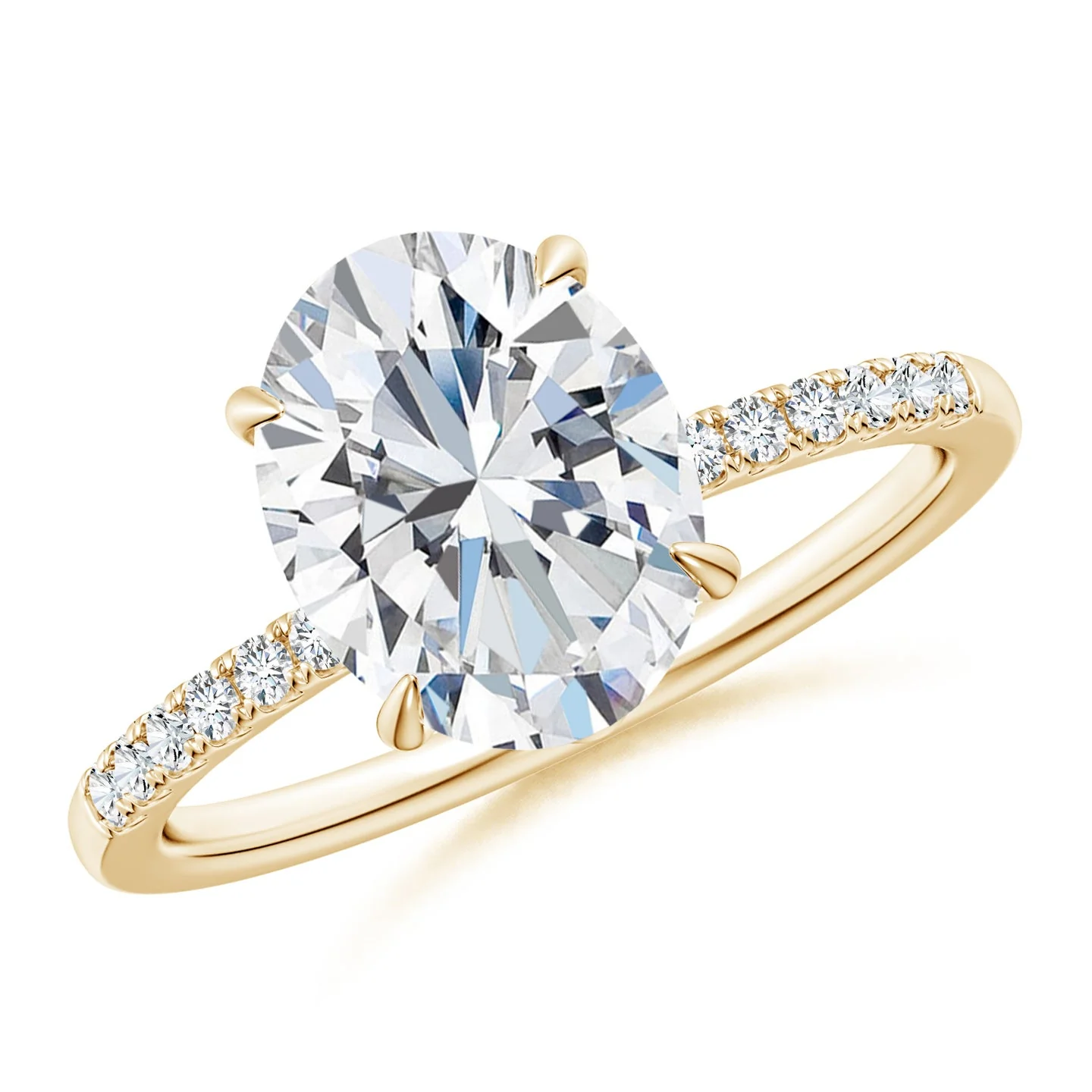 01 / THE REFERENCE
JEWELLERY STUDIO · LIVE 3D
01 / TAKE A SEAT AT THE WORKBENCH
Four references. Four CAD results.
Choose a piece, turn it around, and see where a small change takes you.
A hands-on preview using existing CAD results. Move separate components and explore finishes. This GLB preview demonstrates assembly editing; NURBS control-point editing happens in your CAD tools.
Make something of your own02 / FROM FIRST SPARK TO FINAL DETAIL
A connected workflow, from the image that inspires you to the geometry you keep refining.
Start with a reference image and describe the piece you have in mind. Give your idea a place to take shape.
REFERENCE → FORMInspect the geometry, work with individual components and refine the dimensions that give a piece its character.
EXPLORE → REFINEExport your geometry as .3dm and continue in Rhino. Bring your judgement to the settings, tolerances and finishing details.
CAD → YOUR NEXT CHAPTERA DESIGN YOU CAN WORK WITH
A stone. A setting. The structure that holds it all together. Explore the separate parts of the actual model, then bring them back into place.
Real assembly components · reversible preview editsSelect the solitaire’s centre stone and move it away from its setting. The rest of the design stays in place.
Try moving a component 02 / THE WHOLE ASSEMBLYSeparate the stones and metal components to inspect the construction. Reset to restore the complete piece.
Explore the separate parts03 / IMAGINE YOUR WORKFLOW
Illustrative testimonials
Sample copy · not customer reviews
That moment when a reference becomes something I can turn around and explore? That’s where the ideas really start.
I want to spend more time on the proportions, the setting, the little decisions that make a piece feel like mine.
Being able to see the whole piece, then get closer to the details, is how I like to think through a design.
04 / GOOD TO KNOW
Explore four existing CAD models alongside their reference images. Drag to rotate, use Move to reposition the view, scroll or pinch to zoom, change the metal finish, adjust preview size, inspect the wireframe and move individual components. Reset all restores the original appearance and view.
Yes. Each example pairs its supplied reference photos with its corresponding CAD model. The 3D viewer loads that model and shows it only after the Studio materials are ready. These are examples of completed results, not live generation on this page.
Yes. The platform supports .3dm geometry export so you can continue reviewing and refining your design in Rhino.
Designs need a qualified jeweller or CAD specialist to review dimensions, tolerances, stone settings and manufacturing requirements. The playground’s size control changes the preview scale; it does not certify a ring size or a production measurement.
Sign in to Atelier99 to enter your workspace, or book a demo for a guided look at the workflow. You can explore the playground here without an account.
EVERY JEWELLER NEEDS AN ATELIER.
Bring the vision. Give it a new dimension.
Start with 500 free credits.For eligible new customers after email verification. Availability, trial usage limits and abuse checks apply.